Help Wanted Signs With QR Codes: The Modern Hiring Hack
How to create a help wanted sign with a QR code that links to your application — plus tips on design, placement, and what to include on the sign.
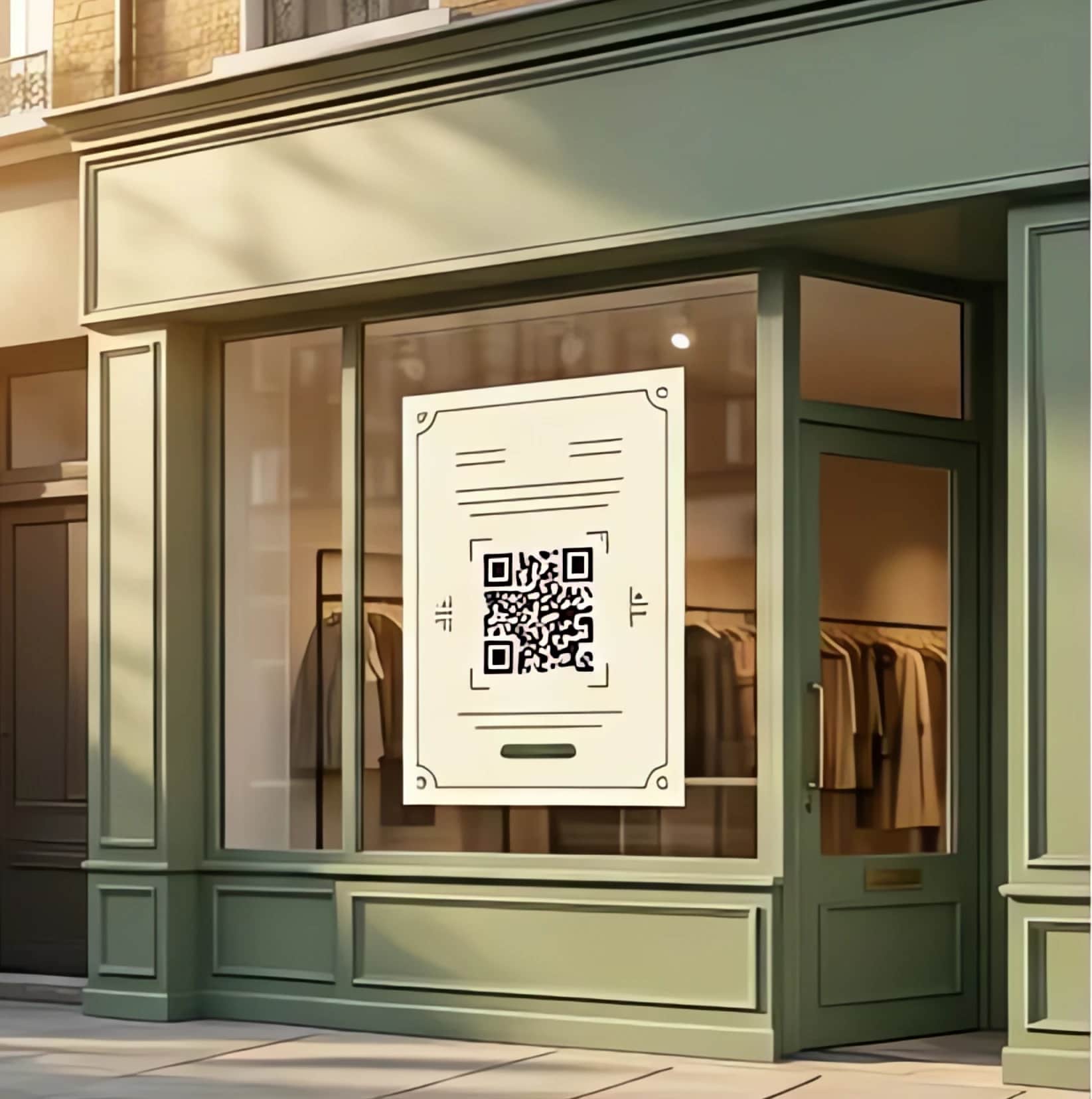
The help wanted sign is still the most effective hiring tool for neighborhood businesses — it reaches exactly the people who pass by your location every day. But the traditional "Now Hiring — Ask Inside" sign has a problem: it only works when you're open and available.
Adding a QR code transforms your sign from a passive announcement into an active hiring machine that works 24/7.
Why do QR codes on hiring signs work?
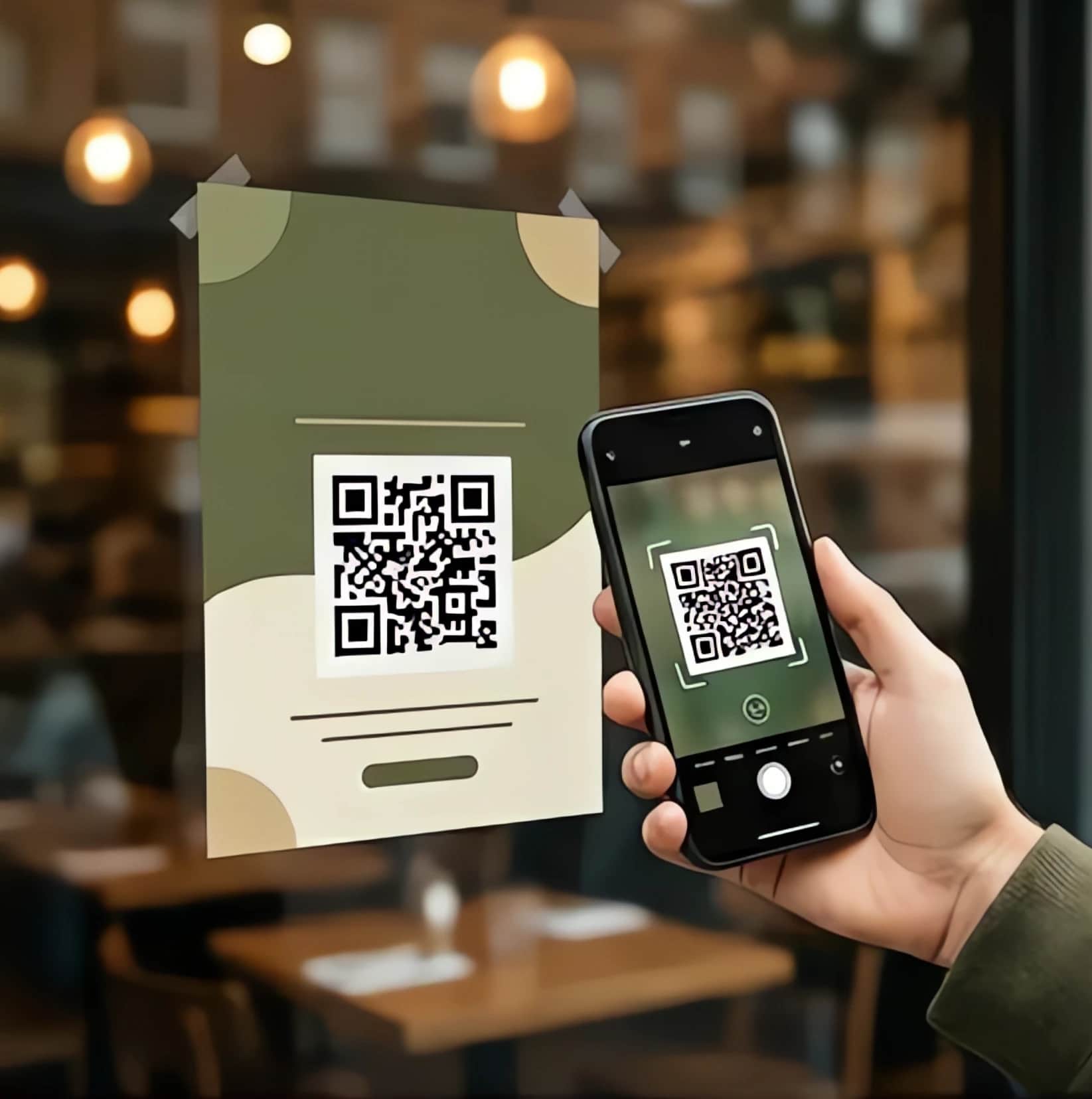
When someone sees your "Now Hiring" sign, they have about 3 seconds of interest. They might be walking by, driving past, or waiting at a stoplight. In that moment, they're not going to walk inside, wait for you to finish with a customer, and ask about the job. But they will pull out their phone and scan a code.
The numbers back this up. QR code usage has grown consistently since the pandemic — Statista reports over 89 million Americans scanned a QR code in 2022, and adoption continues rising. For hiring, a QR code does three things:
- Captures interest immediately. The applicant doesn't need to remember a phone number or website. They scan and apply right there.
- Works after hours. Someone walking past your closed shop at 9 PM can still apply.
- Collects structured data. Instead of "someone asked about the job but I was busy," you get a name, contact info, and answers to your screening questions.
What Should the QR Code Link To?
You have a few options:
Option 1: A simple web form. The QR code opens a mobile-friendly application page with basic fields — name, phone number, and a few screening questions. This is the most common approach and works well with tools like My Friendly Staff, which gives each business a branded application page at a unique URL.
Option 2: A phone number. The QR code dials your hiring line. If you use an AI phone screener, the AI picks up and interviews them on the spot. This works great for candidates who prefer talking over typing.
Option 3: A Google Form. Free and simple, but it looks generic and doesn't give you scoring or notifications. Fine if you hire once a year.
The best approach combines both — put the phone number AND the QR code on the sign. Some people prefer to call; others prefer to fill out a form. Let the applicant choose.
How to Design an Effective Hiring Sign
Your sign needs to communicate four things in 3 seconds:
1. You're hiring — "NOW HIRING" in large, bold text. No ambiguity.
2. What the job is — "Full-Time Cashier" or "Prep Cook Needed" is better than just "Help Wanted."
3. How to apply — The QR code and/or phone number. Make them large enough to scan from 3-5 feet away.
4. One hook — What makes this job worth applying for. "$18/hr" or "Flexible Hours" or "Free Meals" gives people a reason to scan.
Design tips:
- High contrast. Black text on white background, or white text on a bold color. QR codes MUST be high contrast — dark on light — to scan reliably.
- QR code size. Minimum 2 inches square for close viewing (counter/register). 4-6 inches for window display.
- Test the QR code. Print it and scan it from the distance someone would actually view it. If it doesn't scan from 3 feet, it's too small.
- Include your business name. People want to know who they're applying to before they scan.
Where should you place a help wanted sign?
Location matters more than design:
- Front door/window — highest foot traffic, visible to passersby
- Cash register/counter — captures customers who are already engaged with your business
- Community bulletin boards — libraries, laundromats, community centers
- Delivery vehicles — if you have a van or truck, add the sign to the side panel
A single sign in the right spot outperforms a $200 Indeed listing for local hiring.
Printing Options
You can design and print hiring signs with QR codes several ways:
- DIY with Canva. Free templates exist for help wanted signs. Generate your QR code with any free tool, drop it in, and print at home or at a print shop.
- Included with a hiring service. My Friendly Staff ships two printed window posters free with a Pro subscription, with your hiring number and QR code already on them, within a business day of signing up.
- Office supply stores. Staples, FedEx Office, and UPS Store all do custom signs. Bring your design on a USB drive.
Budget $20-30 for a professional-looking sign. It's the cheapest hire-per-dollar channel available.
The Modern Help Wanted Sign
The best hiring sign in 2026 isn't handwritten on cardboard. It's a clean, professional sign with your business name, the role, a compelling hook, a phone number with AI screening, and a QR code linking to your application page. It works while you work.
Put it in your window, point it at the sidewalk, and let the applicants come to you.
For more on making the most of local foot traffic, read why your best applicants are walking past your shop. And make sure your sign includes a competitive pay range, which matters more than ever with California's current minimum wage.